

Best budget laptops for students in 2026: A laptop is no longer a luxury; it is a necessity for every student. Whether you are in school, doing an engineering degree, or learning graphic design, you need a machine that is fast, reliable, and fits your pocket.
The Indian market is flooded with options from brands like HP, Dell, ASUS, Acer, and Lenovo. But choosing the right one can be very confusing. Should you focus on the processor? Is 8GB RAM enough? What about battery life? This TechieWeb guide is here to answer all your questions in simple words. We will help you find the best budget laptops for students in 2026 so you don’t waste your hard-earned money.
Contents
- 0.1 1. Why This Guide is Different
- 0.2 2. Understanding the “Big Three” Specs
- 0.3 3. Display and Build Quality
- 0.4 4. Best Budget Laptops: Comparison Table
- 0.5 5. Battery Life: The Student’s Pain Point
- 0.6 6. Important Features for 2026 Students
- 0.7 7. Operating System: Windows vs Chromebook
- 0.8 8. Graphics Card: Do You Need It?
- 0.9 9. AI Features in 2026 Laptops
- 0.10 10. Where to Buy and How to Save Money
- 0.11 11. Final Checklist Before Buying
- 1 Why the Best Budget Laptops for Students in 2026 are a Smart Investment
- 2 Essential Maintenance Tips for Your Student Laptop
1. Why This Guide is Different
Most websites just list the most expensive laptops. But at TechieWeb.in, we understand the needs of an Indian student. We focus on “Value for Money.” A student needs a laptop that lasts at least 4 years, handles heavy browsing, and doesn’t heat up during online exams or project work.
2. Understanding the “Big Three” Specs
Before you look at the price tag, you must understand these three parts of a laptop.
A. The Processor (The Brain)
In 2026, software has become heavier.
- For Basic Use (Assignments, Movies): Look for Intel Core i3 (14th Gen) or AMD Ryzen 3.
- For Smooth Performance (Coding, Multi-tasking): Intel Core i5 or AMD Ryzen 5 is the “Sweet Spot.”
- For Heavy Work (Video Editing): Intel Core i7 or Ryzen 7.
B. RAM (The Memory)
Never buy a laptop with 4GB RAM in 2026. Even 8GB is becoming the “minimum.”
- Our Suggestion: Try to find a laptop with 16GB RAM or at least an 8GB laptop that has an extra slot for upgrades. This keeps your laptop fast for many years.
C. SSD (The Speed)
Old laptops used HDDs (Hard Disks). They were slow. Today, SSD (Solid State Drive) is mandatory.
- Minimum Storage: 256GB SSD.
- Recommended: 512GB SSD. It makes your laptop turn on in seconds.
3. Display and Build Quality
Students carry their laptops to college every day. So, the build matters.
- Screen Size: A 14-inch screen is perfect for carrying. 15.6-inch is better if you watch many movies.
- Resolution: Always look for Full HD (1920 x 1080). Avoid “HD Ready” screens; they look blurry.
- Weight: Try to keep the weight under 1.7kg. Your shoulders will thank you!
4. Best Budget Laptops: Comparison Table
To give you high value, here is our 2026 comparison for student laptops in India.
| Laptop Model | Processor | RAM/SSD | Best For |
| ASUS Vivobook Go | Ryzen 3 7000 | 8GB/512GB | Online Classes & Movies |
| Acer Swift 2026 | Intel Core i3 | 16GB/512GB | Best Multi-tasking Value |
| HP Laptop 15s | Ryzen 5 5000 | 16GB/512GB | Coding & Office Work |
| Lenovo IdeaPad Slim | Intel Core i5 | 16GB/1TB | Long Term Engineering Use |
5. Battery Life: The Student’s Pain Point
There is nothing worse than your laptop dying in the middle of a lecture.
- The Reality Check: Manufacturers say “10 hours battery,” but in real life, you get about 5-6 hours.
- TechieWeb Tip: Look for laptops that support Type-C Fast Charging. This allows you to use your mobile charger (if it’s high power) to juice up your laptop in an emergency.
6. Important Features for 2026 Students
- Webcam: Look for at least a 1080p (Full HD) webcam. 720p webcams look very grainy during Zoom or Teams calls.
- Backlit Keyboard: Very important if you like studying or coding at night without waking up your roommates.
- Port Selection: Ensure there is at least one USB-C port, two USB-A ports, and an HDMI port to connect to projectors during presentations.
7. Operating System: Windows vs Chromebook
- Windows 11/12: Best for Indian students because all Indian government and university software runs on Windows.
- Chromebooks: They are cheaper but they only run apps from the Play Store. They are not good for coding or engineering software.
8. Graphics Card: Do You Need It?
Unless you are a gamer or a professional video editor, you do not need a dedicated Graphics Card (Nvidia/AMD). The “Integrated Graphics” (Intel Iris Xe or AMD Radeon) inside modern processors are powerful enough for 4K movies and light photo editing. This saves you money and gives you better battery life.
9. AI Features in 2026 Laptops
Modern laptops now come with “AI Noise Cancellation.” This is a lifesaver for students living in noisy hostels. It removes the background sound of fans or people talking so your voice sounds clear during calls.
10. Where to Buy and How to Save Money
- Student Discounts: Always use your
college.edu.inEmail ID on Apple, HP, or Samsung websites to get 10-15% extra discount. - Credit Card Offers: Banks like HDFC, ICICI, and SBI often give ₹3,000 to ₹5,000 instant cashback during sales.
- Refurbished Options: If your budget is very low (under ₹25,000), look for “Amazon Renewed” laptops with a 6-month warranty.
11. Final Checklist Before Buying
- Is the RAM upgradable?
- Does it have an SSD?
- Is the weight comfortable for your bag?
- Does it have a Full HD screen?
Why the Best Budget Laptops for Students in 2026 are a Smart Investment
Choosing from the Best budget laptops for students in 2026 is not just about saving money today; it is about future-proofing your education. As we move deeper into 2026, educational software and AI-based learning tools require more power. If you pick a laptop that is too weak, you might find it lagging during important online exams or project submissions. By selecting one of the best budget laptops for students 2026, you ensure that you have enough RAM and processing speed to handle these modern tasks without frustration.
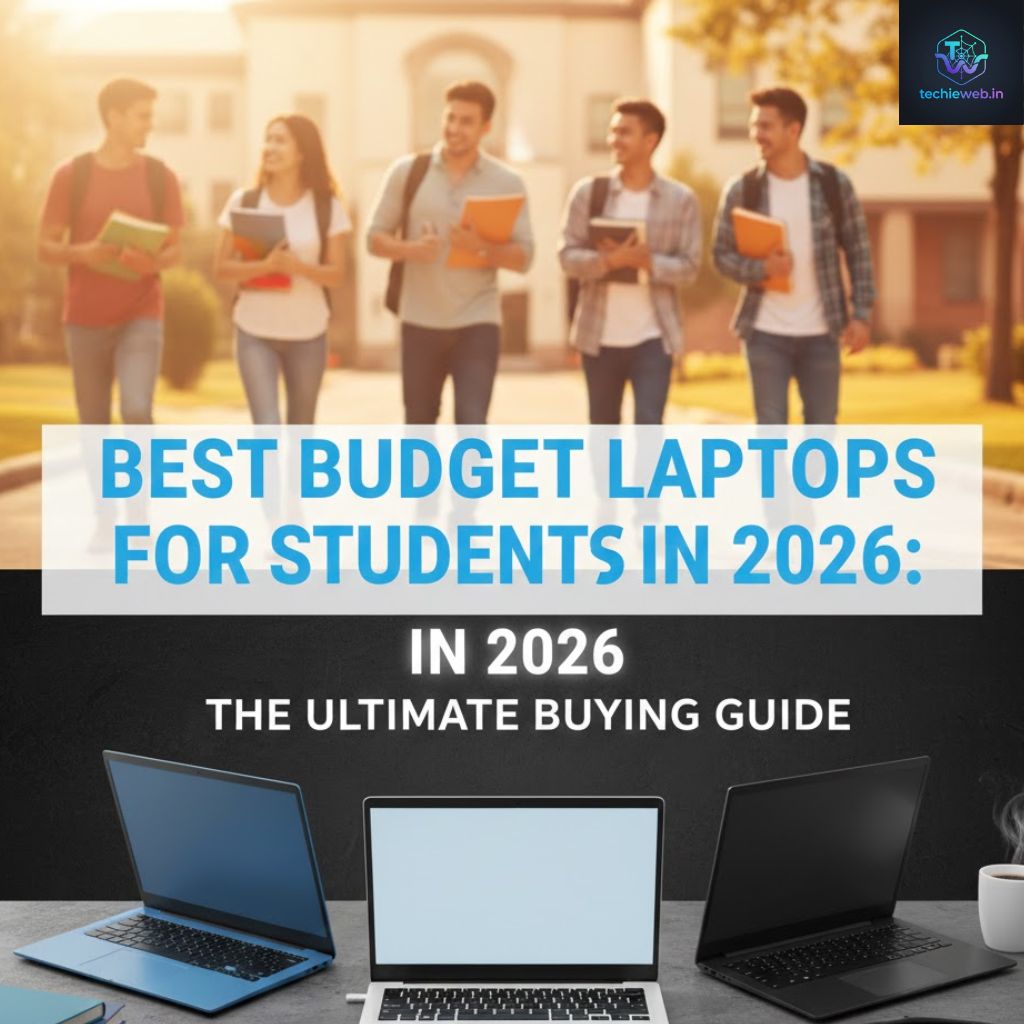
Future-Ready Specs in Best Budget Laptops for Students 2026
When we look at the Best budget laptops for students in 2026, we notice a big shift in technology. For example, most laptops in this category now include NPU (Neural Processing Unit) features that help with AI-assisted note-taking and noise cancellation during video calls. This is why the Best budget laptops for students in 2026 offer more value than expensive models from three years ago. You get faster Wi-Fi 7 connectivity and better battery efficiency, which are essential for a busy college life where charging points are hard to find.
Essential Maintenance Tips for Your Student Laptop
Once you have purchased one of the Best budget laptops for students in 2026, keeping it in top condition is your next priority. Many students ignore simple maintenance, which leads to their laptops becoming slow after just one year. To keep the Best budget laptops for students in 2026 running smoothly, make sure to:
- Update Software Regularly: Windows and driver updates often include patches that improve battery life.
- Clean the Vents: Dust can cause your laptop to heat up, which slows down the processor.
- Manage Startup Apps: Disable unnecessary programs that run as soon as you turn on the laptop to keep your boot time fast.
By following these simple steps, your choice from the Best budget laptops for students in 2026 will last you through your entire degree and perhaps even into your first job. Remember, the best budget laptops for students in 2026 are designed to be durable, but they still need a little care to give you 100% performance every day.
Conclusion
Finding the best budget laptops for students in 2026 is about knowing your needs. Don’t chase high numbers; chase the features that make your daily study life easier. If you are just doing assignments, an i3 with 16GB RAM is a beast. If you are a coder, invest in a good Ryzen 5.
Stay tuned to TechieWeb.in for more honest tech reviews. We simplify tech so you can focus on your studies!




Good